Clear writing at the speed of speech.

Choose your shortcut, speak naturally, and Auri Voice types polished text into the app you’re using.

Join the waitlist
See it work

Speak naturally.
Get clean text.

Watch Auri write an email, format a list, and remove a false start without leaving the app you’re in.

Any app on your Mac

Auri Voice types an email as it is spoken, rewrites it after the command “Make it more formal,” formats a grocery list, and removes false starts from a sentence.

Left Function is the most popular choice. Yours can be different.

Your voice shortcut works wherever you type.

Choose your shortcut during setup. In the default Toggle mode, press once to start and again to stop. Auri Voice sends the finished text to the field you were using.

Left fn Pick a key, key combination, or supported mouse button that fits how you work.

Built for macOS 15 and later.

Speak into the app you’re already using.

Auri Voice works in Mail, Messages, Notes, browsers, editors, and most standard text fields. The finished text lands at your cursor.

Let’s move our review to Thursday afternoon and ask Sam to send the draft first.
Example dictated text

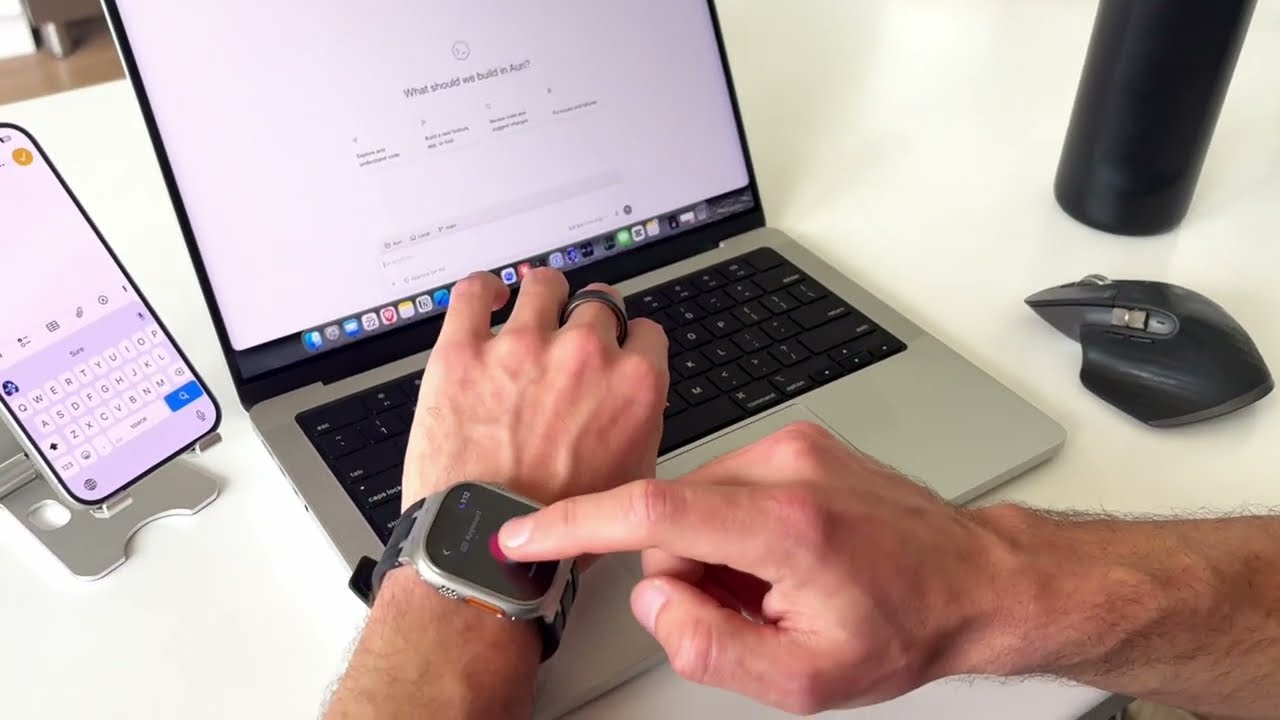
Dictate from your Apple Watch.

Speak into the mic already on your wrist. Auri turns your words into polished text in any app on your iPhone or Mac.

Watch-to-Mac audio is encrypted in transit and transcribed locally on your Mac. Watch on YouTube
History and stats

Find past dictations and see your estimated time saved.

Search old transcripts, copy text back out, and see how many words and minutes you saved. History stays on your Mac, and you can turn it off in Settings.

Voice engine

Choose the model that fits the job.

Download a local speech engine once, then dictate offline. Switch models when you want a different balance of speed, language support, and accuracy.

Your voice stays yours.

Choose a local speech engine and dictate offline once it is downloaded. History is stored on your Mac. Cloud AI is optional and sends text only to the provider you choose.

Local history Searchable transcripts are stored on your Mac. Turn history off at any time.
Audio is opt-in Audio history is off by default and stays local when you enable it.
Limited diagnostics We collect limited crash and reliability data so we can fix problems.

Start free. Go unlimited.

Free
$0
1,111 words
Mac dictation
30 minutes
iPhone and iPad dictation
Choose an Auri Pro billing period
Auri Pro
$ 10 per month

Billed annually at $120.

$ 17 per month
  • Unlimited dictation across all apps
  • 100+ languages and 12 voice engines
  • Mac, iPhone, iPad, and Apple Watch apps
  • Unlimited transcription, Chat, Smart Notes, and more

Get Auri Voice on launch day.

Auri Voice launches next week. Leave your email and we’ll send you the Mac download link as soon as it’s ready.

We’ll only use your email for Auri Voice launch updates.

Auri Voice app icon